Install
Paste this in Terminal
It installs the current build. Needs macOS 14+. If Applications isn’t writable you’ll get one sudo prompt.
$ curl -fsSL https://shotbar.app/install.sh | bash
Free · macOS
Shotbar is a free screenshot and screen capture app for Mac.
Shotbar freezes the screen so your selection never drifts, then does the tedious half by itself: it scrolls long pages, zooms your recordings where you click, and reads the text back out of the image — all on your Mac, with nothing sent anywhere.
$ curl -fsSL https://shotbar.app/install.sh | bash
Paste in Terminal. macOS 14+. How it works · See what it does
macOS 14+ · Signed · install from Terminal · support the developer
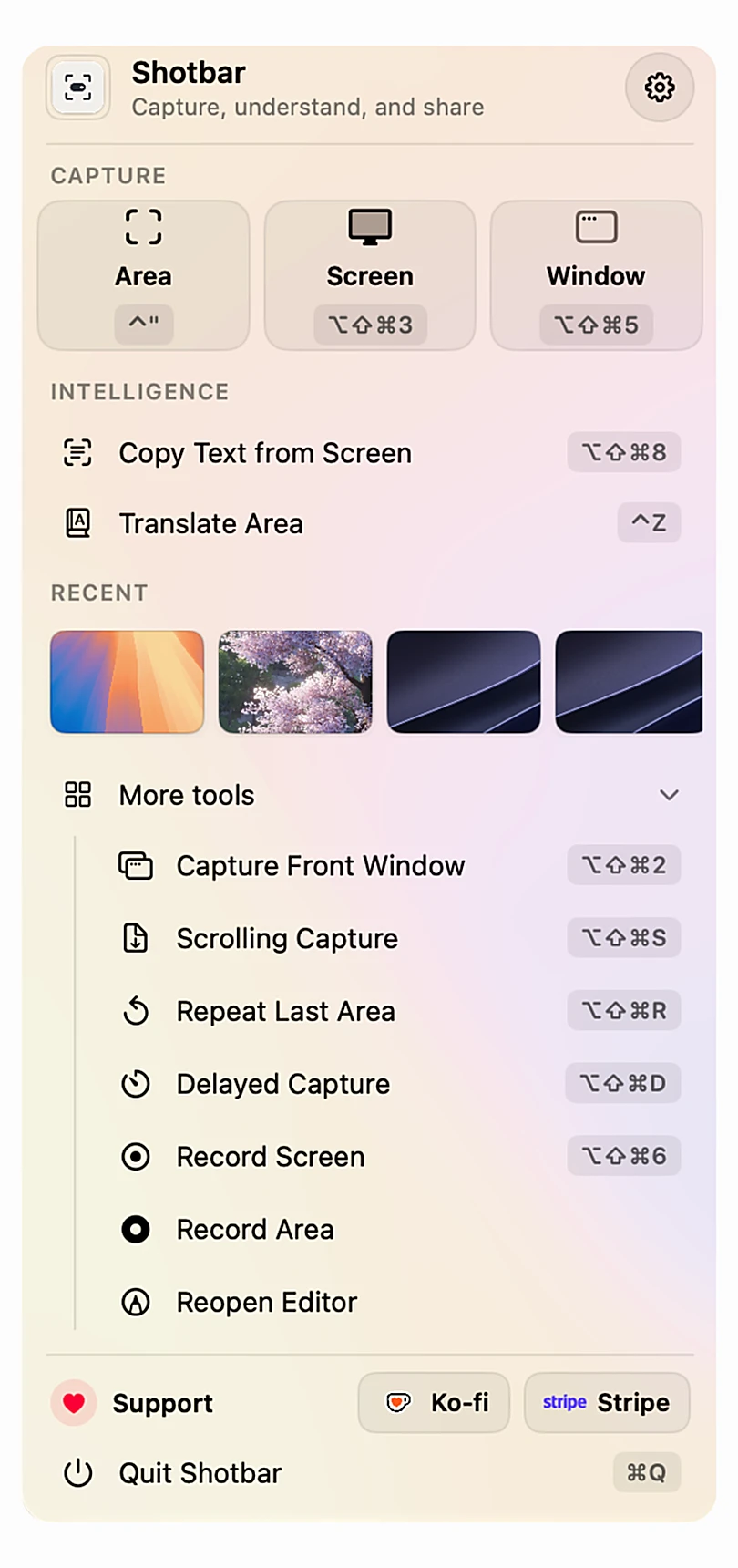
First launch
One line in Terminal downloads Shotbar, puts it in Applications, and launches it. You can read the script first.
Install
It installs the current build. Needs macOS 14+. If Applications isn’t writable you’ll get one sudo prompt.
$ curl -fsSL https://shotbar.app/install.sh | bash
What it does
Most capture apps stop the moment the picture is taken. These are the parts Shotbar finishes for you.
01
Pick an area over anything scrollable and let go. Shotbar drives the scroll itself, grabs each step, matches the overlap to the pixel and fades the joins — then stops on its own when the page runs out. One continuous image, no seams, no scrolling by hand.
02
Record a short demo and Shotbar watches the real click events rather than guessing from the cursor. On export the camera punches in on what you clicked, holds, and releases — and when you want to frame a shot yourself, one key holds the zoom and draws the exact crop on screen while you record.
03
Blur and pixelate look private but keep the original underneath — text especially can be pulled back out. Shotbar gives you those for tidying a screenshot up, and a solid box for everything that actually matters, which replaces the pixels so there is nothing left to recover.
recoverable
gone
In the app
Every tool below is built, bound to a key, and does what the caption says. These are recordings from the app.
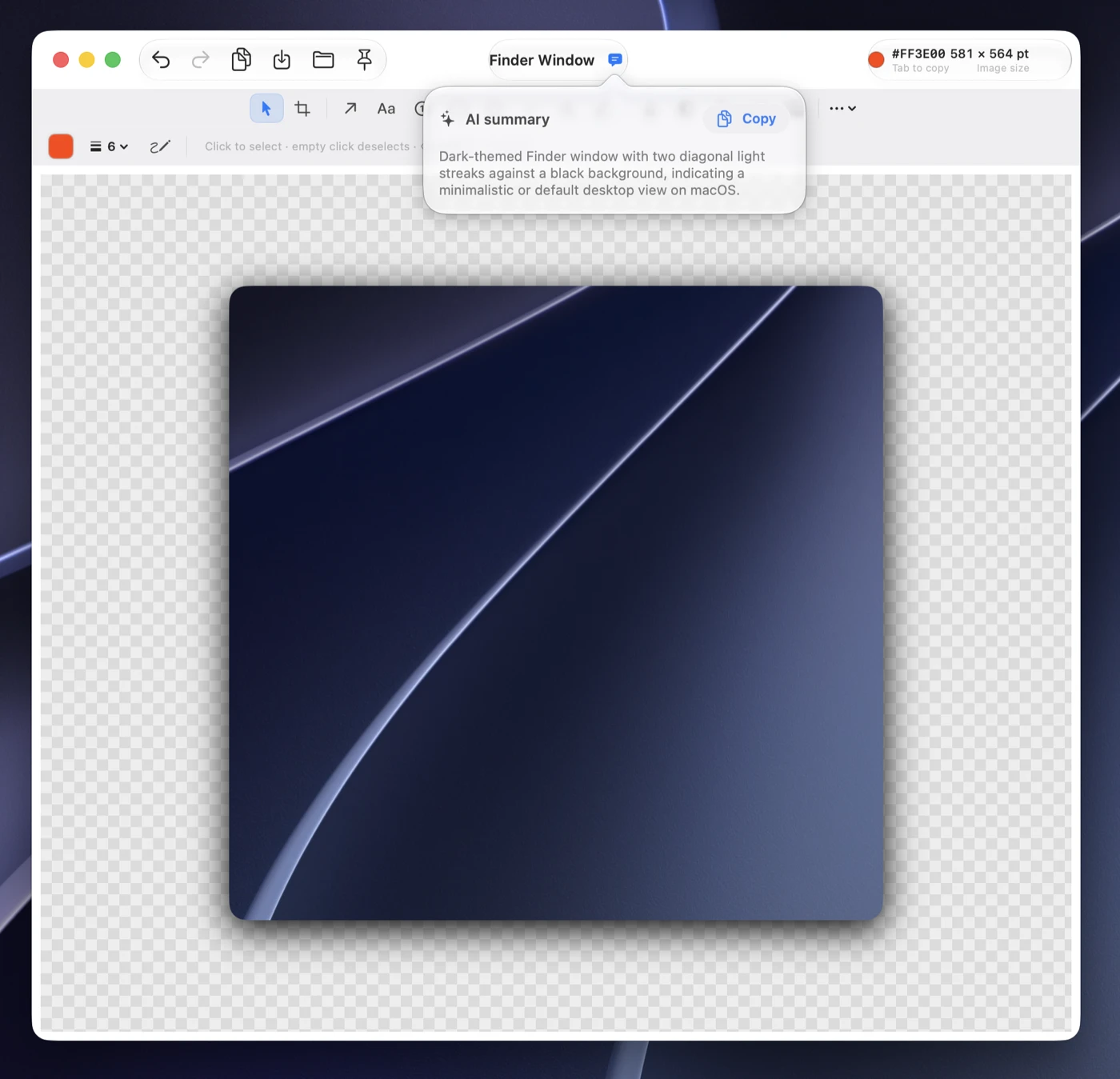
Numbered steps — renumbered as you move them.
Arrows you can bend into a curve.
Text callouts with a leader line.
Padding, a background, a border and a shadow.
A title and summary, written on your Mac.
Read the shot back, copy it in one click.
Toolbox
Everything here is built and bound to a key. Nothing opens a dialog that does nothing.
A magnifier with a live hex readout. Arrow keys move the edge one pixel at a time.
Measure distances and sample any pixel as hex, RGB or OKLCH.
Float a shot above every window while you compare it with the real thing.
Written at your display's real pixel density, encoded straight from the bitmap.
Pick a window from a live picker, or grab a whole display.
Time a capture for a menu that closes, or re-shoot the last area exactly.
On your Mac
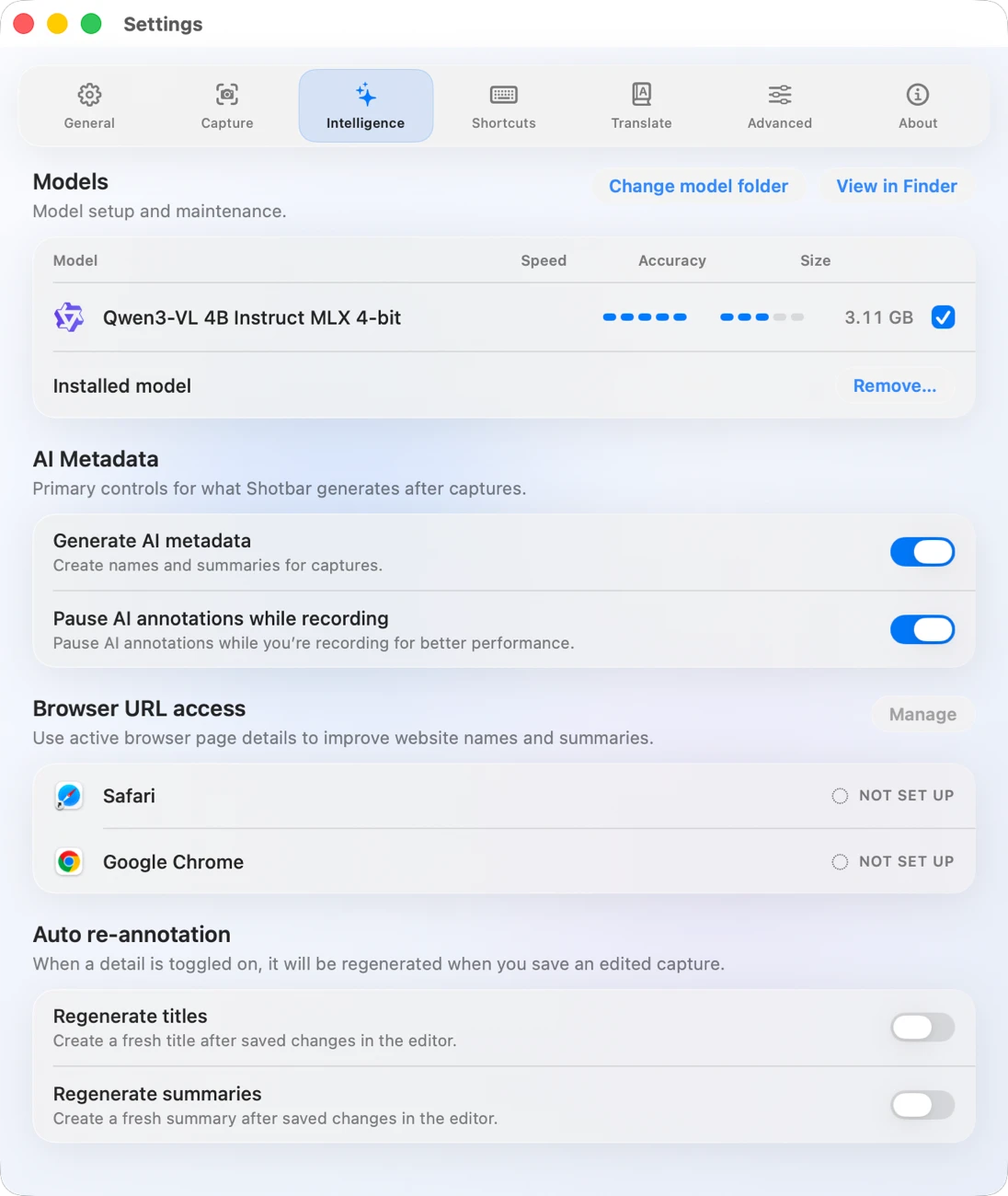
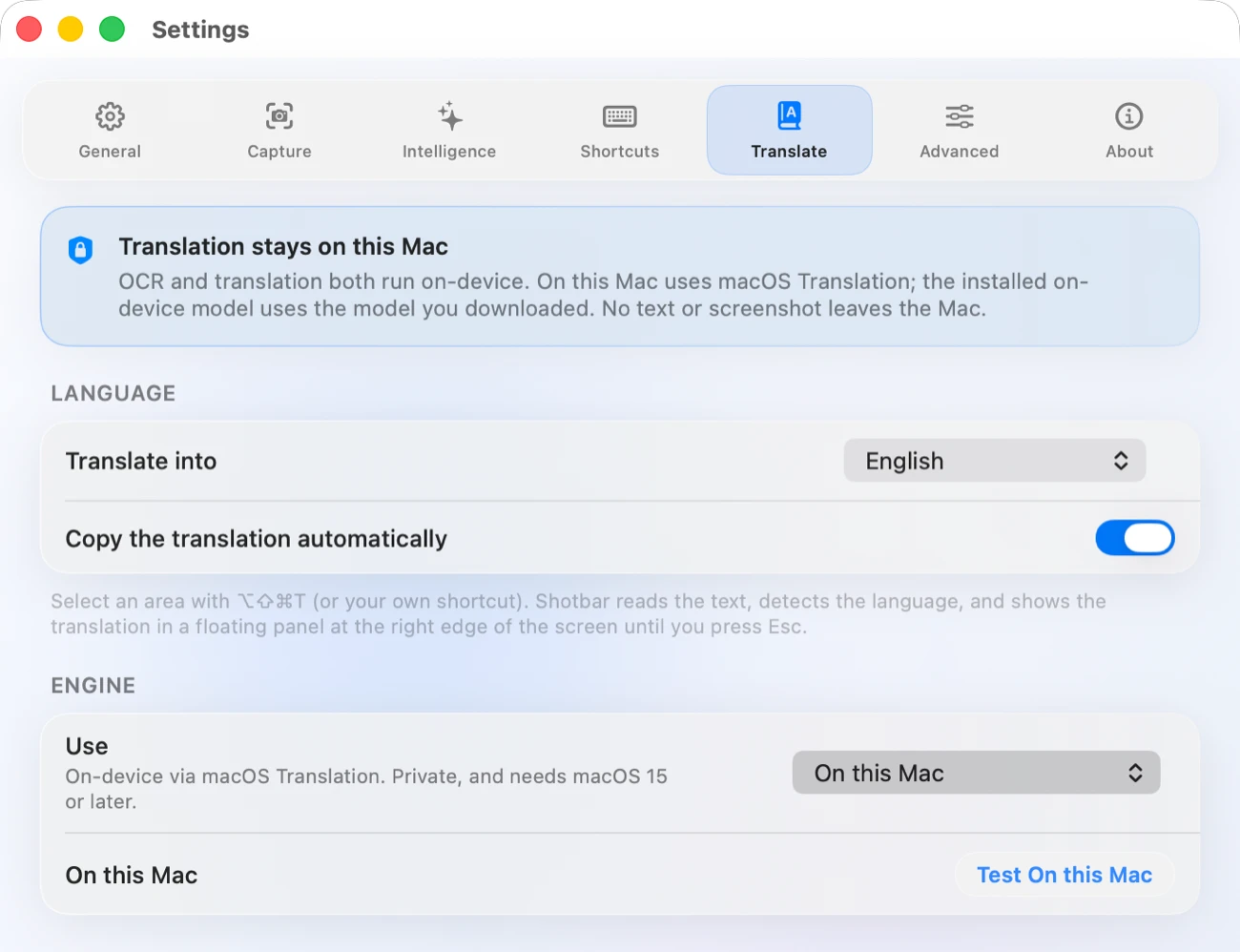
Names, summaries, translation and OCR all run on-device — you install a small vision model once, and after that nothing about a capture is sent anywhere. No account, no analytics, no crash reporting, no upload feature to switch off. The only request Shotbar ever makes is asking whether a newer version exists.
FAQ
There isn't one. No paid tier, no licence key, no watermark, no nag screen. It is a tool one person needed and decided to give away; if it earns its place you can leave a tip, and the app never brings it up either way.
Because the on-device AI runtime ships inside it — most of the roughly 37 MB installed. That is what lets naming and summaries work with no account and no server. The capture path itself is small and never touches it.
macOS 14 Sonoma or later, one universal binary for Apple Silicon and Intel. macOS asks for Screen Recording the first time you capture. Scrolling capture also needs Accessibility, because it has to drive the scroll for you.
No. Everything ships on ⌥⌘⇧ combinations. If you would rather hand ⌘⇧4 over to Shotbar, turn the system shortcut off in System Settings and rebind it in the Shortcuts tab — Shotbar warns you about a conflict instead of silently losing the key.
Not yet — that needs a paid Apple Developer Program membership, which the tips are going toward. Install from Terminal so you never have to open a disk image.
Email support@shotbar.app — a screenshot or a recording of what went wrong helps most.
Optional
Shotbar is free and stays that way. It never asks for money — this is the only place it comes up. Right now there is one concrete thing tips pay for.
Toward an Apple Developer ID, so every download opens with no macOS warning.
Payment is handled entirely by Ko-fi or Stripe. Shotbar never sees a card, and takes nothing in return — there is nothing to unlock.